Other MCP Server · MODEL CONTEXT PROTOCOL
alexbakers mcp ipfs
🪐 MCP IPFS Server
WHAT IT CONNECTS
What alexbakers mcp ipfs gives an AI Agent
The source catalog does not include a structured feature list. Review the repository documentation before use.
SECURITY
An MCP listing is not a security review
An MCP server may receive model context, credentials, local files, or permission to call external systems. Review its code, requested environment variables, network behavior, package provenance, and maintenance status before connecting it to an agent.
README
Repository documentation
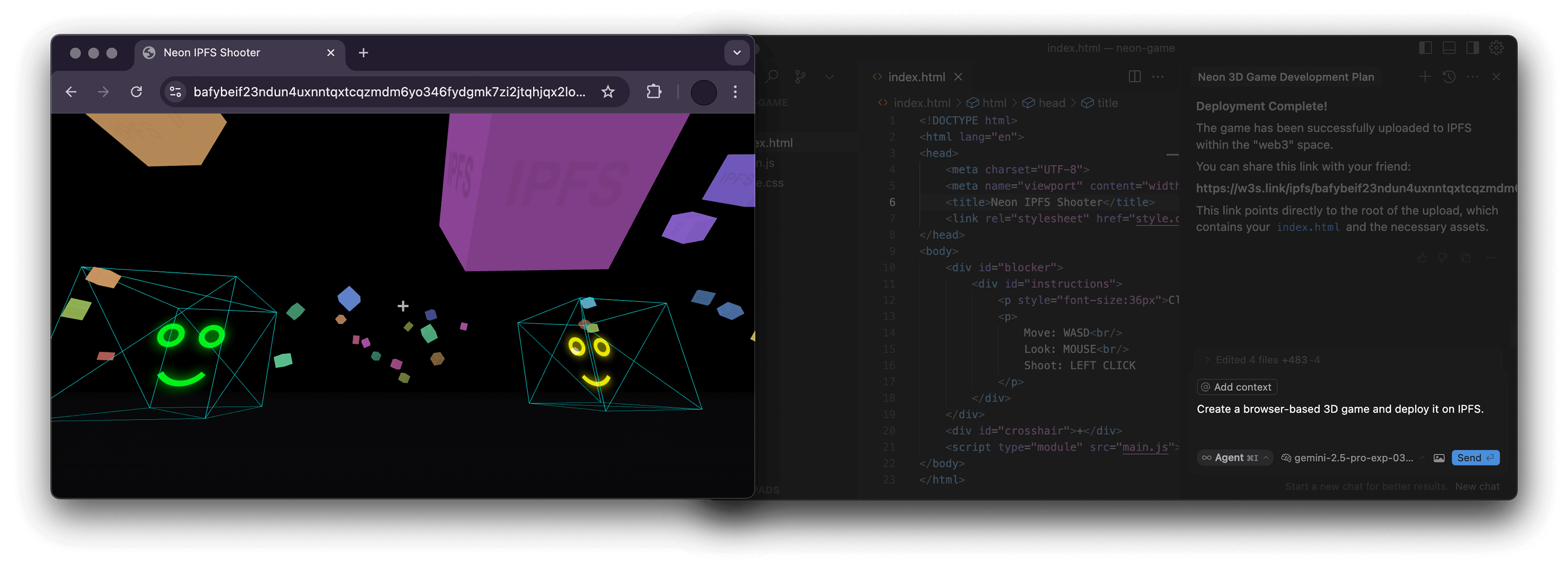


A Node.js server implementing the Model Context Protocol (MCP) for interacting with the storacha.network platform via the w3 command-line interface (@web3-storage/w3cli).
This server empowers language models 🤖 and other MCP clients to manage storacha.network spaces, upload/download data, manage delegations, and perform various other tasks by seamlessly wrapping w3 commands.
- Wraps the
w3CLI for native integration with storacha.network. - Provides MCP tools covering a wide range of
w3functionality:- 🔑 Authentication & Agent:
w3_login,w3_reset,w3_account_ls(for checking authorization) - 📦 Space Management:
w3_space_ls,w3_space_use,w3_space_info,w3_space_add,w3_space_provision(Note:w3_space_createmust be run manually due to interactive prompts) - 💾 Data Management:
w3_up,w3_ls,w3_rm - 🔗 Sharing:
w3_open(generates w3s.link URL) - 🤝 Delegations & Proofs:
w3_delegation_create,w3_delegation_ls,w3_delegation_revoke,w3_proof_add,w3_proof_ls - 🔐 Keys & Tokens:
w3_key_create,w3_bridge_generate_tokens - ⚙️ Advanced Storage (
w3 can ...): Blob, CAR, Upload, Index, Access Claim, Filecoin Info management - 💳 Account & Billing:
w3_plan_get,w3_coupon_create,w3_usage_report
- 🔑 Authentication & Agent:
- Node.js: Version 22.0.0 or higher (
node -v). w3CLI: The server executesw3commands directly. Ensure@web3-storage/w3cliis installed globally and configured:npm install -g @web3-storage/w3cli w3 login <your-email@example.com> # Follow email verification steps
- Environment Variable: The
w3_logintool requires theW3_LOGIN_EMAILenvironment variable to be set to the same email used forw3 login.
The codebase is organized as follows:
src/
├── index.ts          # Main server entry point, MCP setup, request routing
├── schemas.ts        # Zod schemas defining input arguments for each tool
├── tool_handlers.ts  # Implementation logic for each MCP tool
├── utils.ts          # Helper functions (e.g., running w3 commands, parsing JSON)
└── utils/
    └── logger.ts     # Basic logger configuration
This server can be used with any MCP-compatible client. You need to configure your client to connect to this server.
This assumes npm and the prerequisites are met.
{
  "mcpServers": {
    "ipfs": {
      "command": "npx",
      "args": ["-y", "mcp-ipfs"],
      "env": {
        "W3_LOGIN_EMAIL": "your-email@example.com"
      }
    }
  }
}Build the image first (see Build section) or use the pre-built image alexbakers/mcp-ipfs.
{
  "mcpServers": {
    "mcp-ipfs": {
      "command": "docker",
      "args": [
        "run",
        "-i",
        "--rm",
        "-v",
        "/path/to/your/project:/path/to/your/project",
        "-e",
        "W3_LOGIN_EMAIL",
        "alexbakers/mcp-ipfs"
      ],
      "env": {
        "W3_LOGIN_EMAIL": "your-email@example.com"
      }
    }
  }
}Several w3 commands require absolute filesystem paths (e.g., w3_up, w3_delegation_create --output, w3_proof_add, w3_can_blob_add, w3_can_store_add).
- NPX: Provide absolute paths from your host machine.
- Docker: Provide absolute paths inside the container. If interacting with files from your host (e.g., uploading), you must mount the relevant host directory into the container using the
-vflag (e.g.,-v /Users/me/project:/Users/me/project) and then use the container path (e.g.,/Users/me/project/my_file.txt) in the tool arguments.
Clone the repository and install dependencies:
git clone https://github.com/alexbakers/mcp-ipfs.git
cd mcp-ipfs
npm install
Build the TypeScript code:
npm run buildYou can then run the server directly:
# Ensure W3_LOGIN_EMAIL is set in your environment
export W3_LOGIN_EMAIL="your-email@example.com"
node dist/index.js
Or publish it (if you have the rights):
npm publishBuild the Docker image:
# Build locally (replace with your username/repo and desired tag)
docker build -t alexbakers/mcp-ipfs .This MCP server is licensed under the MIT License. See the LICENSE file for details.
COMMUNITY